GetRide App Guide: Rider & Driver Modes, Bidding, Scheduled Rides, Cash, Card & Wallet
Explore GetRide with real app screenshots showing rider and driver modes, bidding, scheduled rides, vehicle choices, cash, card, wallet, availability and ride requests.
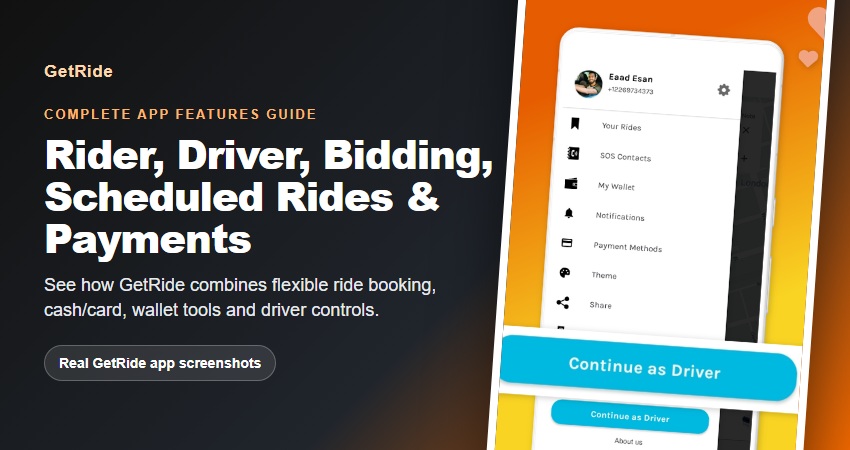
Inside the GetRide App: Rider Mode, Driver Mode, Bidding, Scheduled Rides and Payments GetRide is designed as a two-sided transportation app: one experience helps a rider request and manage a trip, while the same app can also expose a driver-facing mode for people providing rides. That connection matters because the most useful ride apps do more than show a map. They help both sides understand the pickup, destination, vehicle, price, payment method, trip status and next action. This guide walks through GetRide using real screenshots from the current GetRide store listing and verified GetRide app source. The screenshots show vehicle selection, cash and card payment choices, the rider bidding flow, driver offers, Rider-to-Driver mode switching, wallet and payment navigation, driver availability and incoming ride requests. The Android source also contains scheduled-trip fields and handling, confirming that scheduled rides are part of the GetRide product even though the current screenshot set does not show the scheduling screen itself. The exact screens and options available to an individual user can vary by app version, location, account, vehicle supply and current configuration. Treat the app itself as the current source for what is available for a particular ride. This article explains the verified feature model without promising a fixed fare, a guaranteed driver, a guaranteed earning level or a universal payment option. If you want a broader overview of fare controls, safety…