GetService Partner Guide How to Register & Start Earning on GetService (GetRide Platform)
GetService Partner allows you to offer 200+ services like cleaning, babysitting, massage, repairs, and more — directly to customers near you. This guide will walk you through every step with visuals to get your account live and start receiving jobs.
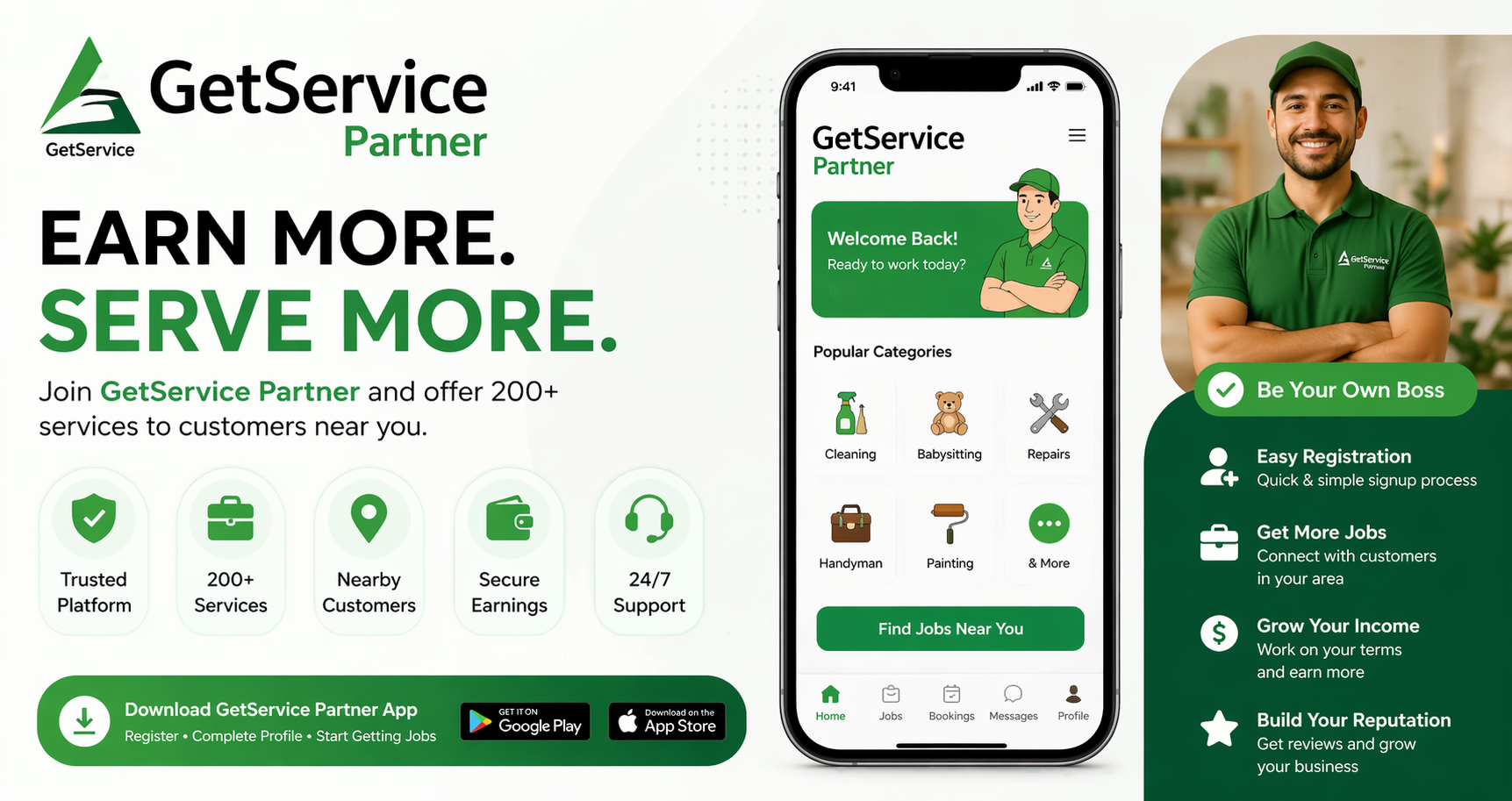
GetService Partner Guide GetService Partner Partner Guide Learn how to register, complete your profile, get verified, and start receiving job requests. Start earning in simple steps Welcome to GetService Partner GetService Partner helps you offer 200+ services such as cleaning, babysitting, massage, repairs, and more to customers near you. Want to turn your skills into income? With GetService Partner , you can offer 200+ services like cleaning, repairs, babysitting, and more—right in your area. Whether you're starting a side hustle or building a full business, getting started is simple and fast. Download the GetService Partner app now and start earning today: Step 1: Register Your Account Tap Register Enter your name, phone number, and email Accept the Terms and Conditions and Privacy Policy Tap Register to continue Tip: Use an active phone number and email so you can receive updates and job notifications. Step 2: Select Your Services Select your business category Choose one or more services you want to offer Tap Next Pro Tip: Selecting more relevant services can improve your chances of getting jobs. Step 3: Upload ID Verification Upload a government-issued ID Make sure the photo is clear and readable Tap Next Step 4: Add Bank Details Enter your Institution Number Enter your Transit Number Enter your Account Number Tap Next Note: This step is required to receive payments. Step 5: Set Your Service Location Enter your address Select your service range from 5 km to 20 km…