How to Use the GetRide App to Find Nearby Rides
The GetRide app makes finding nearby rides quick and easy. With just a few taps, you can connect with drivers in your area, choose your fare, and enjoy a convenient ride to your destination.
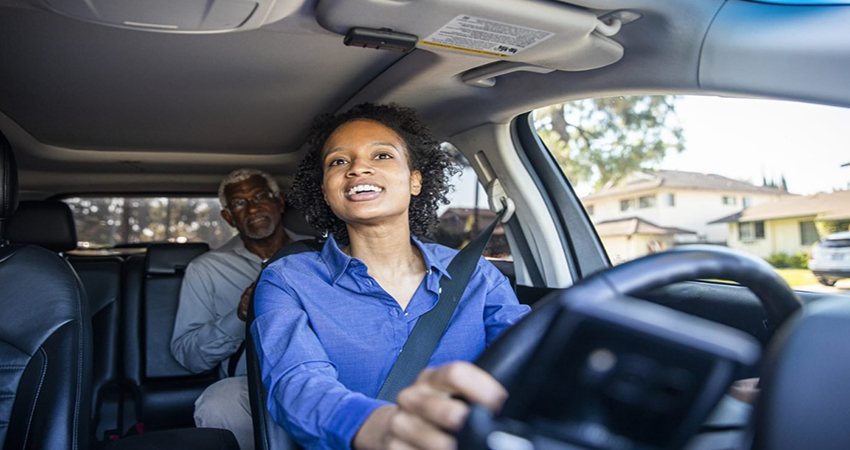
Welcome to the GetRide Family! Thank you for choosing to join GetRide! We’re thrilled to have you on board and are excited to help you explore all the ways our platform can make your travels easier, more convenient, and more enjoyable. For a smoother start, we encourage you to watch our GetRide app tutorial. This quick video will guide you through the app’s features, showing you how to book rides and access support with ease. Click below to get started Click on the image below to book a ride through our website. It’s a convenient option if you’d prefer not to keep the app on your phone due to limited storage. We are thrilled to have you as part of the GetRide community. GetRide is a simple and efficient platform that connects users with service providers. We offer a variety of transportation-related services, including ridesharing, moving, towing, and snow removal, among others. Currently, we are focusing on ridesharing, as it is the most in-demand service to serve our community. As a user, you will find various services available in the app that you can book. Our platform operates on a bidding system, allowing riders and service providers to agree on a fair price. While GetRide provides a suggested price for services, it's ultimately the users and providers who determine the final cost of the trip. Open the GetRide App: Open the GetRide App: Ensure you have downloaded and installed the GetRide app from the Apple App Store or Google Play Store. Select…